




Roa****erz
Completed by Elias Dos reisVerified
Four weekends sorted in one order. Get your Champs runs and weekly Rivals progress handled by a pro, keep every reward and spend your weekends how you want.
Start strong in EA FC 27 with 10% off boosting services. Climb Division Rivals, chase your FUT Champions target or update our manually farmed coins
Want your Champs runs covered for the next four weekends? An FC 27 FUT Champions subscription lets you book them together, with weekly Rivals progress included. Choose your pack once, talk directly with your pro and follow each week's progress from your dashboard.
Keep the rewards, leave the matches to your pro and spend your weekends how you want. With four packs available, you can choose the combination of Champs, Rivals and extra services that fits your club. If you only need one run, choose our single-week FUT Champions boosting.
Select your platform, pack and any extras. Check the price and estimated completion details in the order summary.
Use your order chat to confirm the starting weekend, your squad and when your account will be available.
Provide the requested details through the popup in your personal dashboard. QR login is available so you can grant access without sharing your password.
The rewards earned stay on your account for you to use. Your included services continue across the four scheduled weekends.


| Service | Best for | From |
|---|---|---|
| FUT Champions Boosting | Buy this once you have qualified and either cannot commit the hours or cannot convert them into wins. | $9.00 |
| EA FC Coins | $17.99 | |
| FUT Champs Subscription | $342.00 | |
| FUT Draft | $12.60 | |
| Gallery Tokens | $27.00 | |
| Division Rivals | Buy this for a higher division, better weekly rewards, or the qualification points that come with it. | $10.80 |
| Objective Completion | Buy this when what you want is locked behind grinding rather than skill. | $31.50 |
| Coaching | $22.50 | |
| Pro Clubs Leveling | Buy this if you play Clubs with friends and you are tired of being the one with the underpowered pro. | $9.00 |
| CO-OP | $18.00 | |
| Champs Qualification | Buy this if you hold your own in Rivals but keep falling a win or two short of qualifying. | $27.00 |
| Transfer Market Unlock | $31.50 |
Two decades in competitive gaming, tens of thousands of completed orders, and a support team that actually shows up -Here's why players trust us.
20+ Years of experience — Decades of experience helping players get more from the games they play.
Tickets answered around the clock in ~10 minutes. Live chat replies in under 60 seconds during open hours. Real people, not a bot filter
Guaranteed satisfaction — The goal is simple: a smooth experience, a completed order, and a service you can feel good about.
Speak directly with the person handling your order and get clear updates throughout. Ask questions, share your preferences and follow how the work is going.
For account-play orders, VPN and offline or invisible mode are enabled by default. Live streaming is available if you'd like to watch the gameplay. See our Safety Policy.
Unlock lifetime discounts and take part in seasonal cashback every few months. We keep adding new rewards through our Loyalty Programme.
Real feedback from real customers.
 01
01Start with the weekly matches you want covered, then choose the extras that matter to your club. Every pack covers four Champs weekends and weekly Rivals progress.
Rank 3–1 targets and 30 Rivals points each week for four weeks.
Basic's coverage, plus weekly player objectives.
Rank 1 targets, 30 Rivals points each week, weekly player objectives and the listed 24-hour completion option per Finals run.
Premium's coverage, plus 10 Draft wins.
Basic suits you if Champs and Rivals are your priorities. Relax adds the weekly player objectives you'd otherwise need to fit in. Premium raises your Champs target, while VIP adds Draft wins to the bundle.
 02
02Your subscription takes the Finals matches off your weekend to-do list. You can keep building your club without setting aside time for another full run every week.
Your pro plays toward the target in your pack. With Rank 3–1, Rank 3 is the minimum for an eligible run, and a higher finish means you keep the higher rank's rewards. Your squad needs to be suitable for that stage of the game, and the run must start with no losses. If your squad needs changes, we'll tell you before play starts.
Rank 1 packs target the top finish. Their minimum guarantee is Rank 3; a Rank 2 or 3 finish receives an account-credit adjustment. Eligible runs below Rank 3 are repeated at no extra cost.
Every reward earned during your order stays on your account. We never open your packs or spend your coins without your approval. You decide what to open, what to save and how to improve your squad.
Your FUT Champions subscription brings four consecutive Finals weekends into one booking, alongside the weekly services in your selected pack. It gives you a way to keep Ultimate Team moving when you want the rewards but would rather spend your playing time elsewhere. You choose the coverage, your pro handles the included matches, and your dashboard keeps the conversation and progress together.
The value is in having the next four runs arranged. You can plan around work, evenings out or the parts of FC 27 you enjoy most, with a clear place to discuss each week's play. Here is how to choose your pack and get the most from the service throughout those four weekends.
Every order runs behind a region-matched VPN. Your credentials are encrypted and not needed, we support QR direct login.
Your Pro appears offline in game. Never messages friends. Never accepts party invites. Never speaks in in-game chat. Leave specific notes in the order brief See how we keep every account safe in our dedicated safety section
Credentials go only to the assigned Pro. Nobody else on the team ever sees them. Deleted automatically when the order closes. Never shared
Pick your game, where you are now and where you want to be. The price updates as you make your selections, you can easily add extra options.
Can't find it here? Our team replies in about 2 minutes.
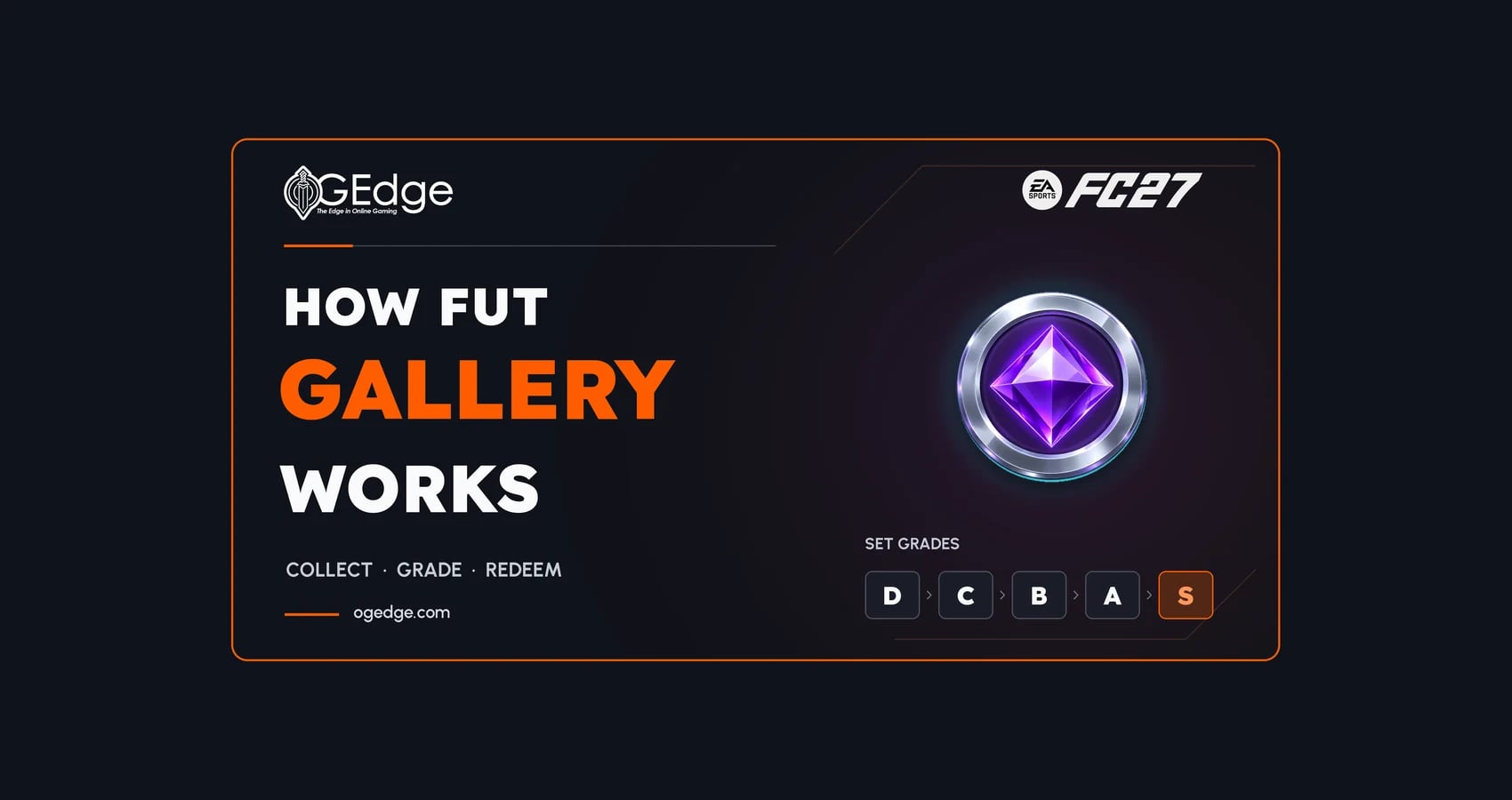
How FC 27's FUT Gallery turns your collection into graded Sets, why First Owner cards matter, what Gallery Level pays and a booster-mapped route to 400+ Gallery Tokens through the Spanish club Sets.
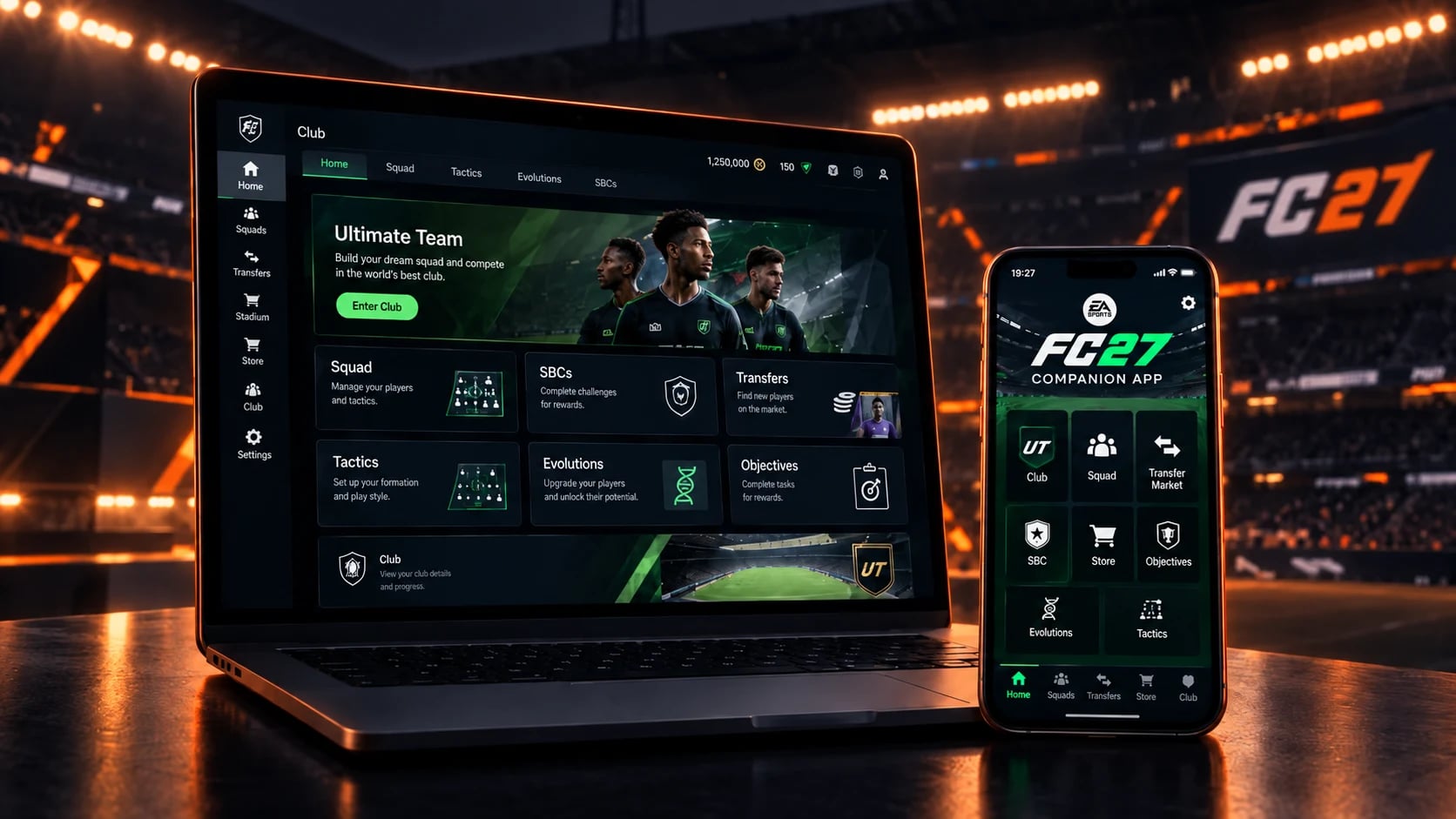
The EA SPORTS FC 27 Web App and Companion App are now available and allow you to manage your Ultimate Team club without launching the full game. The Web App is a browser-based platform for desktop, while the Companion App is its mobile version for iOS and Android.

Champions runs inside a window EA opens and closes, which makes the calendar an input rather than a detail. How qualification feeds the weekend, what a win target really commits to, and exactly what happens if the window shuts before the run is finished.
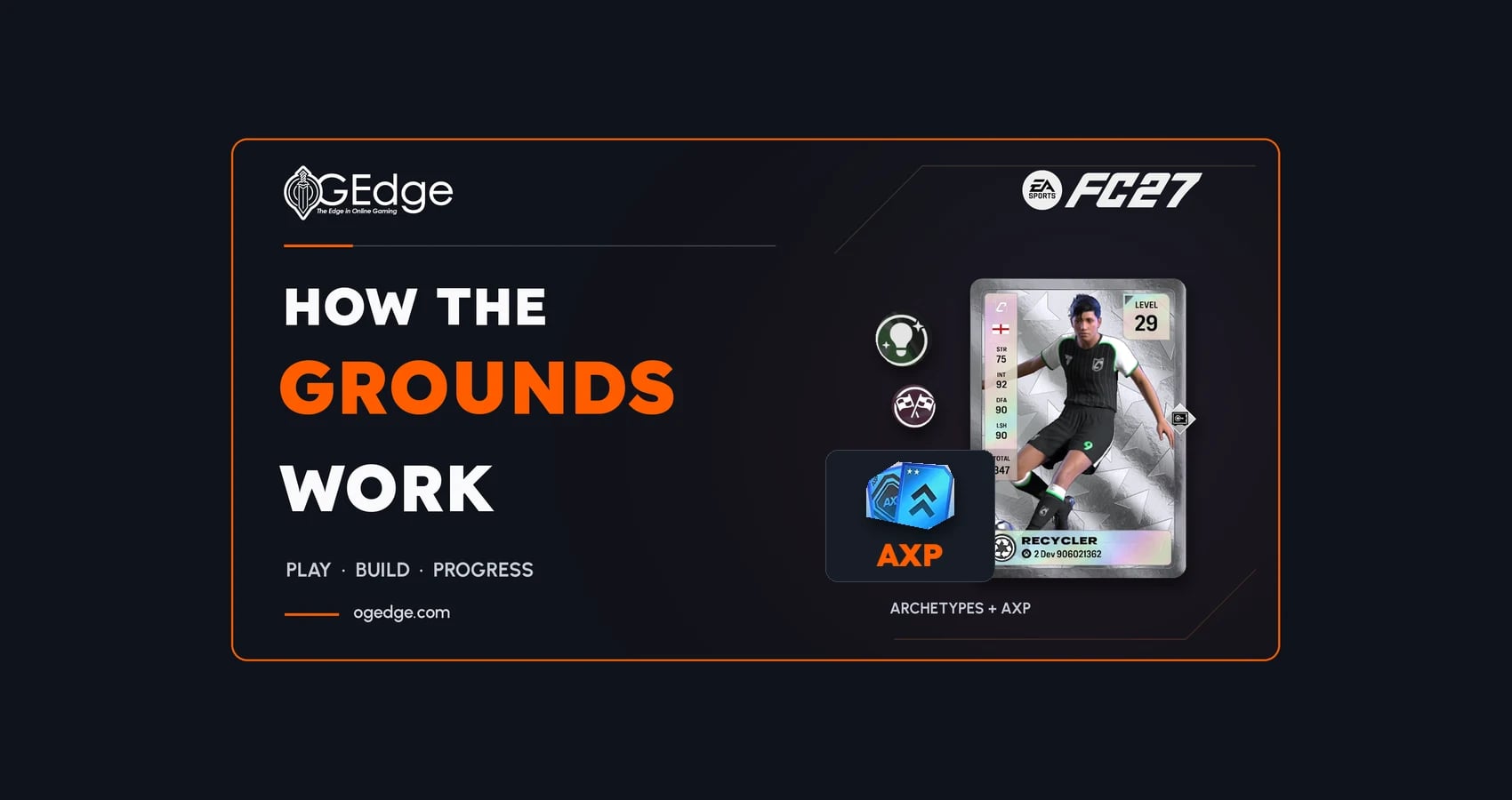
The Grounds is FC 27's new open football space and the new home of Clubs. Here's how its activities, Archetype progression and rewards work, and what it does and doesn't give Ultimate Team players.

We got you, leave a quick message and we will get back to you ASAP