
On this page
The full walkthrough for a first-time buyer, from the game hub and the calculator through checkout to the order page, the chat with your booster and the review, plus the six questions support answers every day.
This is the whole walkthrough, written for someone who has never bought a boost anywhere and would like to know what they are agreeing to before they click anything. It follows the order from the game page through checkout to delivery, and it ends with the six questions our support team answers most often. If you have ordered before, the section on the order page is the one worth re-reading.
Step 1 - choose the game and the service
Start from the game rather than from a price. Each game has a hub page listing the services we run for it, and the services are not the same across titles, because the ladders are not the same. A MOBA hub offers rank, win, duo, mastery and placement work. A Call of Duty hub offers camo and nuke unlocks that a MOBA has no equivalent for. A hero shooter puts hero proficiency alongside its own rank ladder.
Pick the service that matches the problem rather than the one that sounds biggest. A rank service is for a named destination. A placement service is for the short run at the start of a season that decides where your account re-enters the ladder. A per-win service is for a small, specific gap, or for trying us out before committing to something longer.
Step 2 - build the order in the calculator
Every service page carries a calculator. You set your current position and your target, and the order summary updates as you change them, so you can see what a shorter or longer climb costs before you decide. The figures come from our pricing engine rather than from a table in the page, which is why they change the moment you change an option.
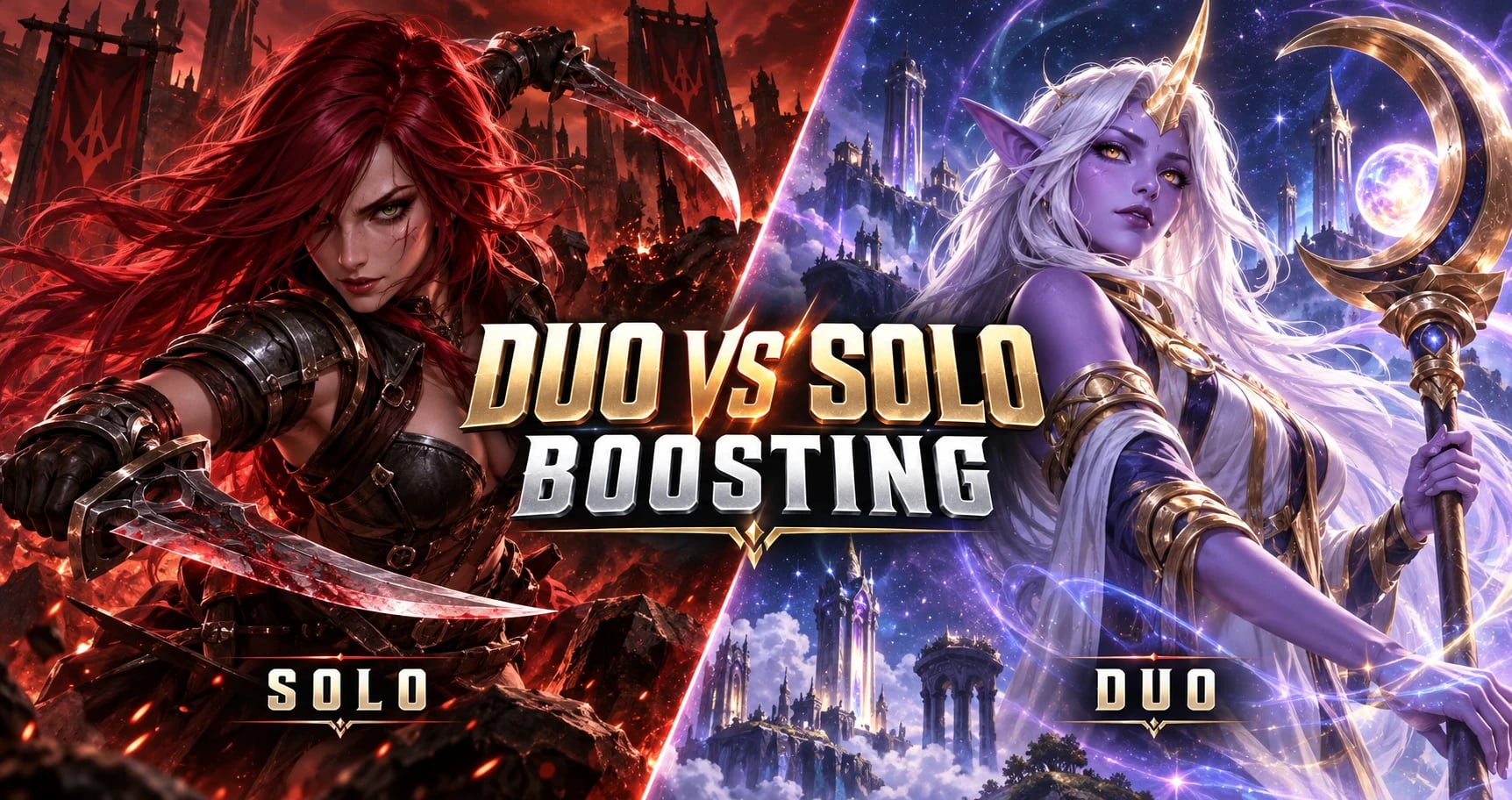
Solo or duo
Solo means a booster signs in and plays the account by themselves. It is the faster option and the realistic one for long climbs. Duo means you play in your own party alongside the booster, so nobody else touches your login and you see how the game is being read in real time. Duo takes longer for the same result because your own play is part of every match, and it is limited at the top of some ladders by the game's own party rules.
Streaming
If you want to watch the matches, order streaming with the boost. The link is attached to the order and visible from the order page. Without it, boosters do not record or broadcast your account, which is the default for a reason.
Priority
Priority moves your order up the assignment queue. It is worth taking when a deadline matters to you, for example a season ending or a placement window closing, and it is unnecessary most of the time, because most orders are picked up soon after payment clears anyway.
Account and appearance notes
This is the field people skip and then wish they had not. It is where you tell us what to leave alone, and everything written in it reaches the booster with the order.
Agents, champions or loadouts you refuse to see on your match history.
Cosmetics, emblems, titles and clan tags that must not change.
The role the account should look like it plays.
Hours you would rather the account was not online.
Anything already in progress on the account that the booster should not touch.
Step 3 - checkout and payment
Checkout takes the order you built and nothing else. You will create an account with us during it if you do not already have one, because that account is how you track and talk to the order afterwards, and there is no way to follow an order without it.
We take cards, PayPal and cryptocurrency, plus regional methods in some markets. The checkout page shows the ones available to you, and the amount shown there is the amount charged. Ordering also earns loyalty credit toward future orders, and the rewards page explains how that works.
Booster tip: put your constraints in the order notes rather than in chat after the first match. A booster reads the notes before signing in, and a preference that arrives an hour later has already cost you a game.
Step 4 - your order page
After payment you land on the order page in your dashboard, and from then on that page is the entire interface. It shows the order's current status, its progress against the target you bought, the activity as it is logged, the booster once one is assigned, and any files or screenshots attached along the way.
The order page also carries the capabilities that are currently available to you, meaning the things you can actually do to the order right now rather than a generic list of buttons. What you can do changes with the order's state, which is why the page is the authority on it rather than this article.
Talking to your booster
The chat thread lives on the same page. Use it to ask for a pause because you want to play, to change a preference, to ask what happened in a session that went badly. Keep it on the order page rather than moving to a private channel somewhere else, because the thread is the record both of us would point at if anything needed sorting out, and support can read it without either of us reconstructing the story.
If you need us rather than the booster, support is reachable from the same screen and from the support page.
Step 5 - delivery, review, and what happens afterwards
When the target is reached the order is marked delivered and you get a notification. Check the account before you confirm, which means sign in, look at the rank, look at the match history, and make sure it matches what you bought. If something is off, say so in the order chat straight away rather than after the review.
Then change your password. We ask every solo customer to do this, and the fact that we ask rather than hope is the point. Once you are happy, the order page invites a review. Reviews are attached to real completed orders, which is why the ones on our reviews page are worth reading before you order.
Six questions we get every day
Do you need my account details?
For a solo order, yes, and they go through the order form rather than through chat or email. For a duo order, no, because you are playing your own account the whole time.
Will anyone be able to tell?
The account is set to offline or invisible while the order runs, the booster connects through a region-matched route, and there is no in-game chat, voice or friend activity on your account at all. The full process is written out on the safety page.
Can I play while the order is running?
Yes, but not at the same time as the booster. Ask on the order page and the booster will stop at the end of the current match. Signing in during a live match can disconnect them and cost you the game.
How long will it take?
It depends on the size of the gap, your region's queue and the time of day, so we do not put a clock on it. Most orders are picked up soon after payment clears, and the progress on the order page is the real answer at any moment.
Can I change the order after paying?
Usually, especially before the first match. Message support from the order page with what you want changed and they will tell you what is possible for that order in its current state.
What if something goes wrong?
Open the chat on the order page first, because most problems are a misread instruction and take one message. If it is more than that, support handles it under our published refund policy rather than case by case.
Where to go next
Like This Guide?
Pick your game and goal in the calculator, see the full price before checkout, and talk to your booster in the order chat while the work runs.