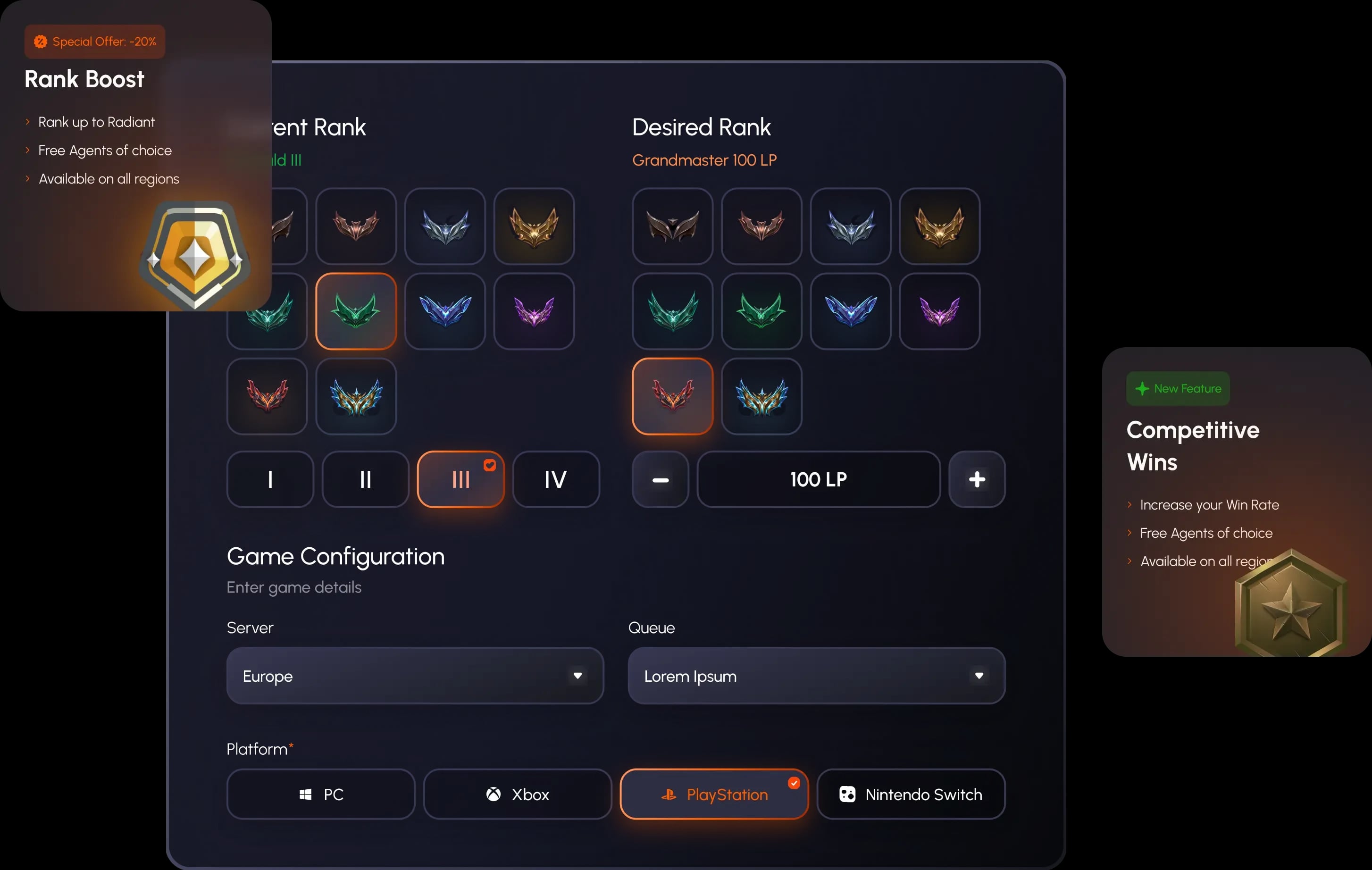
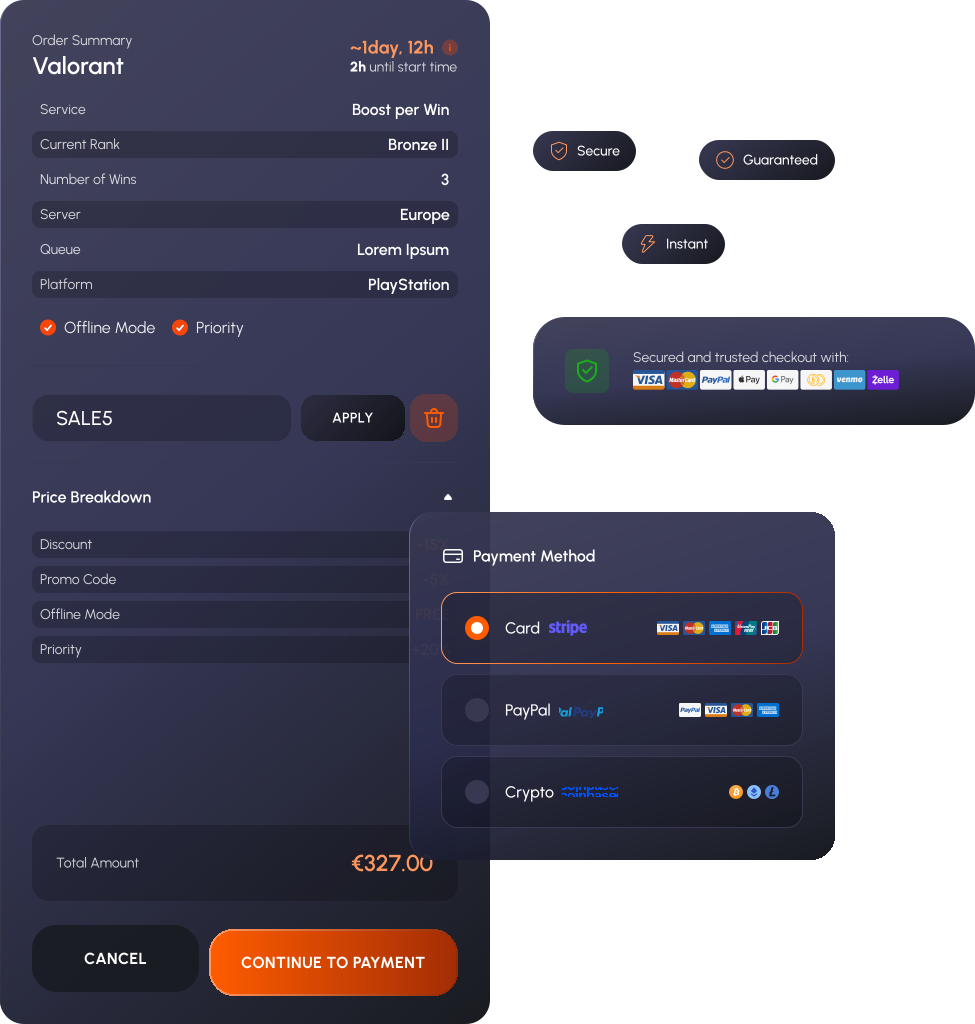
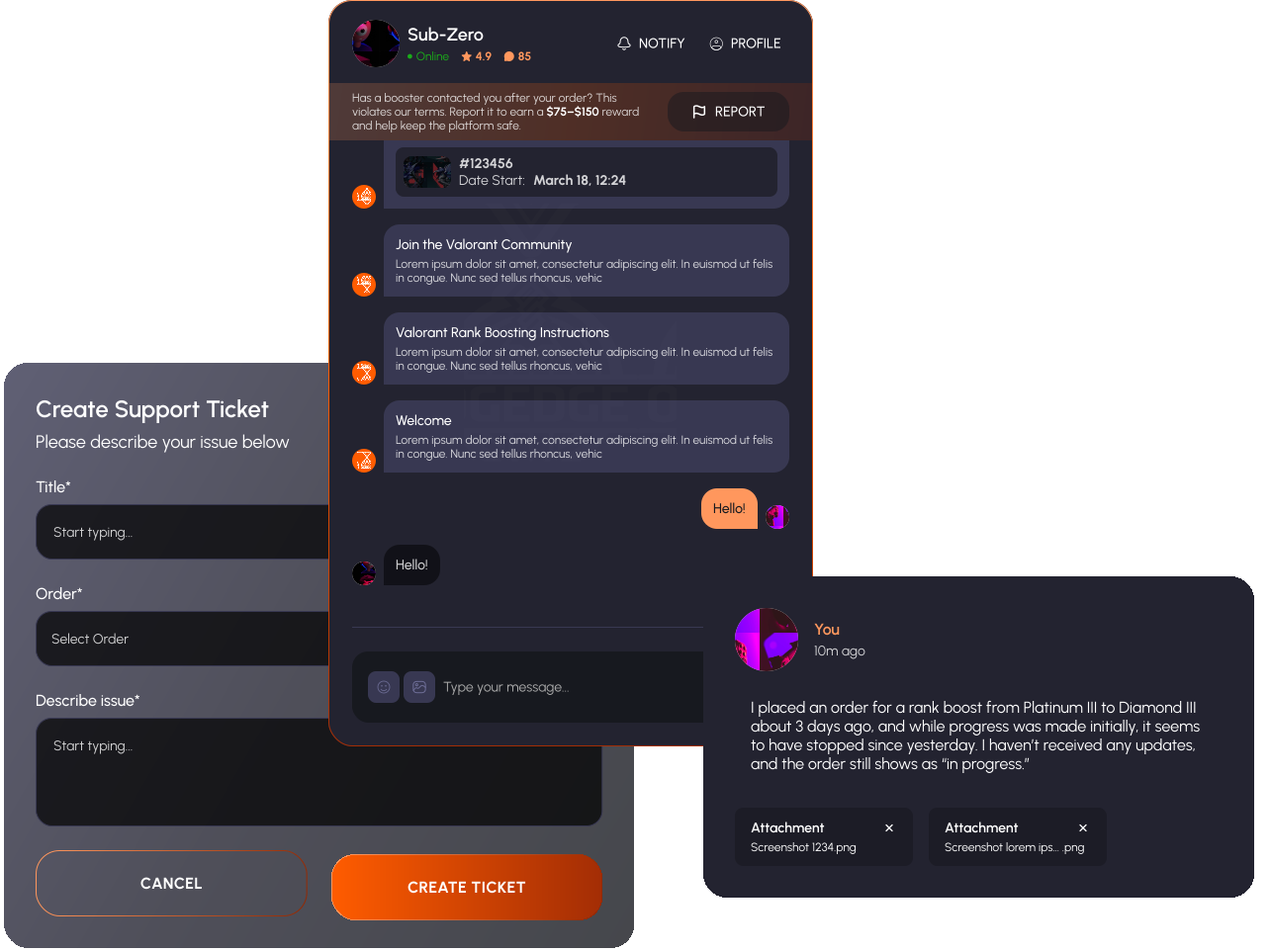
Build your Rivals week around the rewards you want and let an OGEdge pro handle the matches. Weekly points give you a regular reward goal, while a division climb can improve the bundles available to your club. With direct chat and clear updates, you can follow the progress without having to fit every match into your own week.
FC 27 Division Rivals Rewards
The list below covers Season 1 base and upgraded rewards for Elite and Divisions 1–10, checked on 18 September 2026. Base rewards use the 15-point threshold; upgraded rewards use 30 points. Reaching the upgraded threshold gives you the upgraded bundle for your division. The two listings are alternatives for the weekly finish, rather than two bundles to add together.
For easier reading, 5×83+ means one Gold Players Pack containing five players rated at least 83. The same format applies to the other numbered rating guarantees. Two picks means two separate choices. A 1-of-4 pick lets you keep one player from four options. Giant Gold means one Giant Gold Pack; TOTW means one TOTW Player Pack.
The coin amounts are fixed weekly coin rewards. Zero means no separate coin amount is listed in that weekly bundle; you can still earn match coins during the week. Pack contents and their selling prices vary, so their value comes from the items you actually receive.
Elite
Base: 62,500 fixed coins; 2×84+, 5×83+, two 1-of-5 83+ picks.
Upgraded: 122,500 fixed coins; 5×84+, 5×83+, Giant Gold, TOTW, 1-of-5 84+ pick.
Division 1
Base: 47,500 fixed coins; 2×84+, 5×83+, 1-of-5 83+ pick.
Upgraded: 95,000 fixed coins; 4×84+, 5×83+, Giant Gold, TOTW, 1-of-5 83+ pick.
Division 2
Base: 35,000 fixed coins; 5×83+, 5×82+, 1-of-4 81+ pick.
Upgraded: 72,500 fixed coins; 2×84+, 5×83+, Giant Gold, TOTW, 1-of-4 83+ pick.
Division 3
Base: 25,000 fixed coins; 5×83+, two 1-of-4 81+ picks.
Upgraded: 52,500 fixed coins; 1×84+, 5×83+, TOTW, two 1-of-4 83+ picks.
Division 4
Base: 17,500 fixed coins; 5×82+, two 1-of-4 81+ picks.
Upgraded: 37,500 fixed coins; 1×84+, 5×83+, two 1-of-4 83+ picks.
Division 5
Base: 10,000 fixed coins; 5×80+, 1-of-4 75+ pick, 1-of-4 81+ pick.
Upgraded: 22,500 fixed coins; 5×83+, 1-of-4 81+ pick, 1-of-4 83+ pick.
Division 6
Base: 5,000 fixed coins; 5×80+, 1-of-3 75+ pick, 1-of-3 80+ pick.
Upgraded: 12,500 fixed coins; 5×83+, 1-of-3 80+ pick, 1-of-4 75+ pick.
Division 7
Base: 0 fixed coins; 3×80+, 1-of-3 80+ pick.
Upgraded: 2,500 fixed coins; 5×82+, 1-of-3 75+ pick, 1-of-3 80+ pick.
Division 8
Base: 0 fixed coins; 3×80+, 1-of-3 75+ pick.
Upgraded: 0 fixed coins; 5×82+, 1-of-3 75+ pick.
Division 9
Division 10
Make the Most of Your Reward Bundle
Tradeable packs give you several ways to use what you earn. Keep a player who improves your team, sell an item toward your next purchase or use eligible players for an SBC. EA says all Rivals pack rewards are tradeable at launch. The player-pick tradeability is shown on the individual reward screen, so check that label when planning a sale.
For a market upgrade, the fixed coin amount is the part you can plan around in advance. The player items add possibilities after you open them. If an SBC is your goal, compare its requirements with the guaranteed ratings and number of players in the reward bundle. A useful reward is the one that supports what you want to build next.
You can leave the pack openings and picks for yourself. Tell your pro before the session if you want to claim the rewards personally. That lets you enjoy the choices once the week's work has been played and keeps your preferred pack-opening routine in your hands.
When Do Rivals Rewards Reset?
EA's published weekly reset is Thursday at 06:59 UTC. The in-game competition countdown is the best way to confirm the deadline for your current week. Use it when arranging a points order, especially if you have a personal deadline earlier than the reset.
UTC stays fixed, while local clock changes can move the displayed time in your country. For example, 06:59 UTC is 07:59 in the UK during British Summer Time and 06:59 during winter. In Central Europe, it is 08:59 during summer time and 07:59 during winter. Convert it for the date you're playing rather than saving one local time for the whole year.
Rewards can be claimed after the competition ends through the game, Web App or Companion App. Your packs can be opened when you choose. A weekly reset and a season change are separate events: the weekly reset starts another reward period, while a season can also change the ladder and reward listings. Check the season screen when planning a longer division climb.
How Weekly Reward Points Work
An ordinary win earns three weekly points, a draw earns one and a loss earns none. From zero, five wins reach 15 points and ten wins reach 30. Those are straightforward examples of the standard scoring. Draws and Bounties can change how many wins you need for the same point total.
FC 27 brings Bounties back more frequently. Depending on the active Bounty, completing its conditions can add weekly reward points or help your ladder progress. Read the Bounty shown for the match so you know which kind of progress it contributes. Your current weekly balance is the total to use when planning the remaining work.
If your account is already on 24 points, you need six more for the standard upgraded threshold. Two ordinary wins cover that gap. If you have reached 30 and want to continue, a division climb can be a separate goal. Extra gameplay may also contribute match coins, Season Points or eligible objectives, depending on the active conditions.
Weekly reward points track your reward eligibility. Ladder progress tracks your place in Rivals. They come from the same mode but serve different goals. Choosing a weekly-points order gives your pro a points target; choosing a division order gives them a promotion target. Discuss both if you want the session to work toward both outcomes.
Your squad also matters to a division climb. Share the team and the formation you enjoy using, and your pro can discuss whether changes would help it compete at the target level. That conversation takes place before play, so you can understand the plan and decide which club upgrades you want to make yourself.
Champions Qualification Points From Rivals
Champions Qualification Points, or CQP, are separate from weekly reward points and ladder progress. Rivals can award CQP through play and weekly rewards. Higher divisions let you earn toward qualification faster, and FC 27 also allows CQP earnings through Squad Battles.
The published Season 1 weekly reward listings show these CQP amounts:
Elite: 1,000 with either weekly reward level.
Division 1: 750 with either level.
Division 2: 600 with either level.
Division 3: 500 with either level.
Division 4: 400 with either level.
Division 5: 200 with base rewards or 400 with upgraded rewards.
Division 6: 150 with either level.
Division 7: 100 with either level.
For Divisions 8–10, check your in-game reward preview for the current CQP amount. Your Champions entry screen gives you the balance still needed, and FC 27 no longer requires Division 6 to work toward qualification.
Choose How You Want to Play
Account-play gives the matches to your pro while you follow the order. VPN and Appear Offline are enabled by default, and optional streaming lets you watch live. Agree session times and account handovers in your order chat, so you know when to leave the club available and when you can jump back in.
Co-op lets you play alongside a pro where the mode and service support it. EA says co-op Rivals matchmaking uses the higher-ranked player's division, which is useful to know before choosing that format. A higher-ranked partner can mean a different level of opposition from your usual solo games.
You can also use a Rivals run to understand your squad better. Ask your pro which players fit the setup or where a future upgrade would make the biggest difference. If your main goal is to improve your own match results, a coaching session gives you time to work on those decisions directly.
Division Rivals Questions
Can You Finish My Weekly Points From My Current Balance?
Yes, the session can be planned from the points already earned. Share your current total, division and chosen target so the player can assess the remaining work before starting.
Do I Have to Win Ten Matches for Upgraded Rewards?
Ten ordinary wins reach 30 points from zero. Draws and applicable Bounties can also add progress, so the weekly points total determines whether you have reached the threshold.
A points target covers the weekly balance you selected. Promotion is a separate ladder outcome. Choose a division target or discuss a combined request if that is also your goal.
Can I Keep Packs for Later?
You can keep claimed packs unopened and choose when to open them. Your pro will never open your packs or use your coins without approval.
Does Elite Use the Same Progression as the Other Divisions?
Elite uses Skill Rating to distinguish players within that division. Your weekly reward points still serve their own purpose. Check the current season's ladder screen for the rating and progression details that apply to your account.
How Can I Follow My Order?
Talk directly with your pro and check clear progress updates through your dashboard. Optional streaming is available if you want to watch the gameplay as the matches are played.
Your Next Rivals Goal
Explore Co-Op Boosting, Champions Qualification or EA FC Coaching for your next goal. Our Safety Policy, Refund Policy and Loyalty Rewards explain the account handling, order terms and returning-customer benefits.